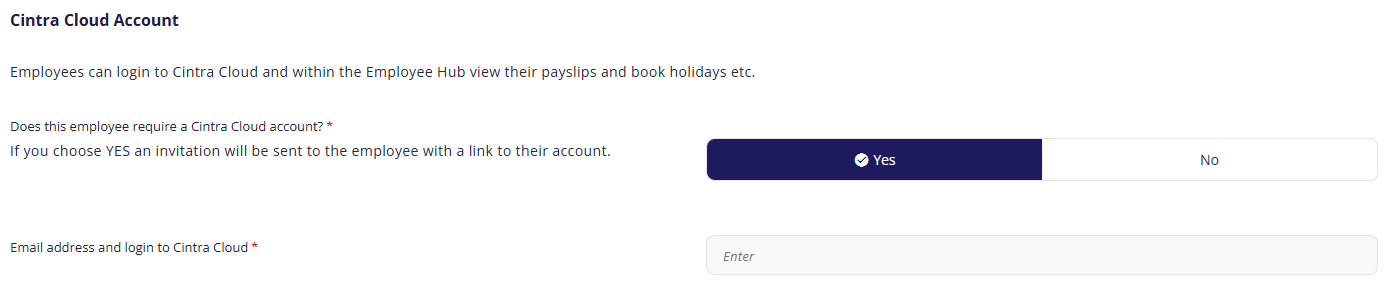
Assigning a Cintra People account to employees grants them access to the Employee Hub, which lets them book holidays and download their payslips and other important documentation.
To grant access:
- Click Yes.
- Enter the employee's email address.
- They will receive a welcome email explaining how to log in to Employee Hub.
Remember: You must assign an account to an employee if you want to set their holiday entitlement on the next page of the new employee setup.
Note: You can only grant access to Employee Hub when you're adding a new employee, NOT when you're editing them. If you want to grant access to an existing employee, click Manage Users in the side menu.
See also:
Previous article | Next article Employee: Holiday entitlement |
Was this article helpful?
That’s Great!
Thank you for your feedback
Sorry! We couldn't be helpful
Thank you for your feedback
Feedback sent
We appreciate your effort and will try to fix the article