You must select how each employee will be paid. This can be either:
- Cash
- Cheque
- Banking information
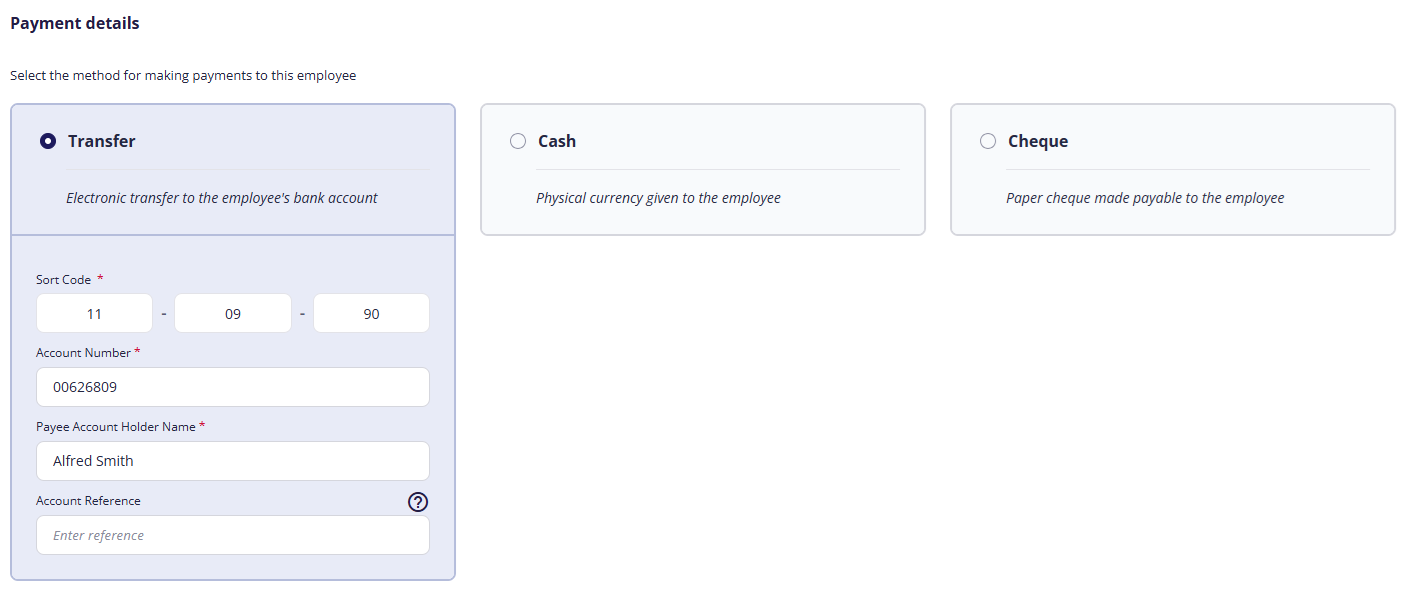
(click to expand the Payment Details screen)
Banking information
Note: You can only enter banking information for UK banks and building societies.
- Select the Transfer option.
- Enter the employee's sort code, account number, and account holder name.
- If the employee uses a building society, enter the account reference number.
FAQs
How can I set up an employee if I don't yet know their bank details?
You must either wait until you have these details before setting up the employee OR select cash/cheque, then set a reminder to update the employee's banking details before their first payroll.
Previous article | Next article Employee: Employment details / Employment & position |
Was this article helpful?
That’s Great!
Thank you for your feedback
Sorry! We couldn't be helpful
Thank you for your feedback
Feedback sent
We appreciate your effort and will try to fix the article