The first two steps when adding a new employee are to add the their name, address, and other personal details.
Personal details
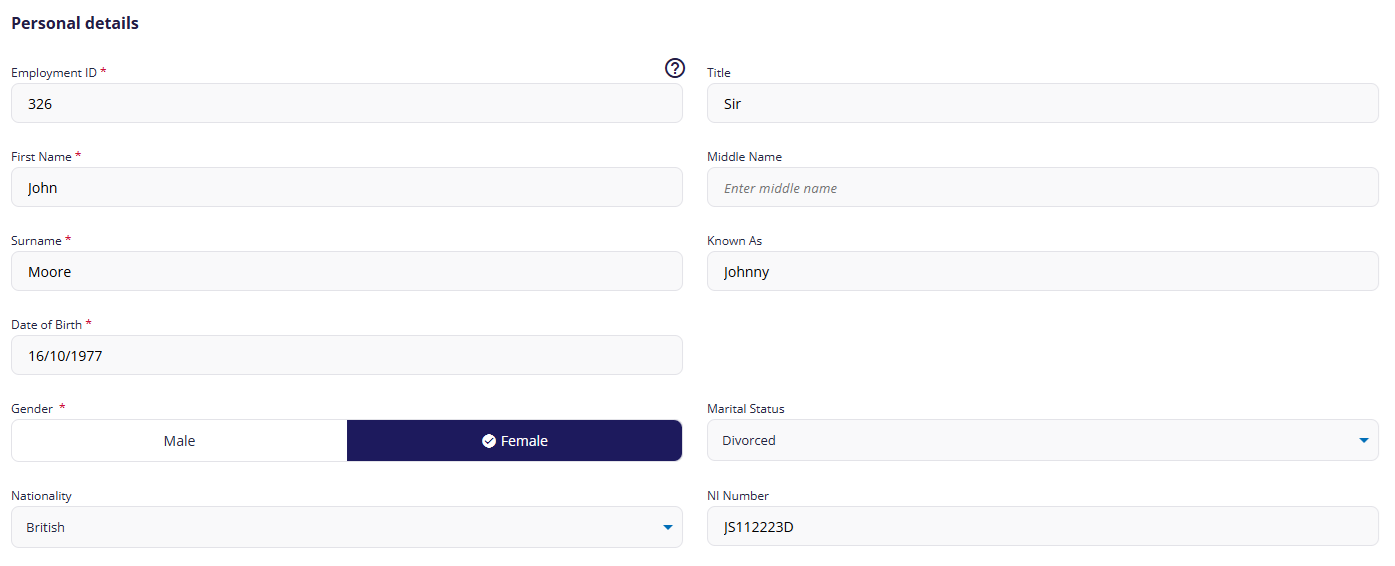
(click to expand personal details screen)
When entering the employee's personal details:
- Employment ID: This will be auto-generated if adding a new employee. You can change it if required but it must be unique and cannot be changed later.
Address and contact details
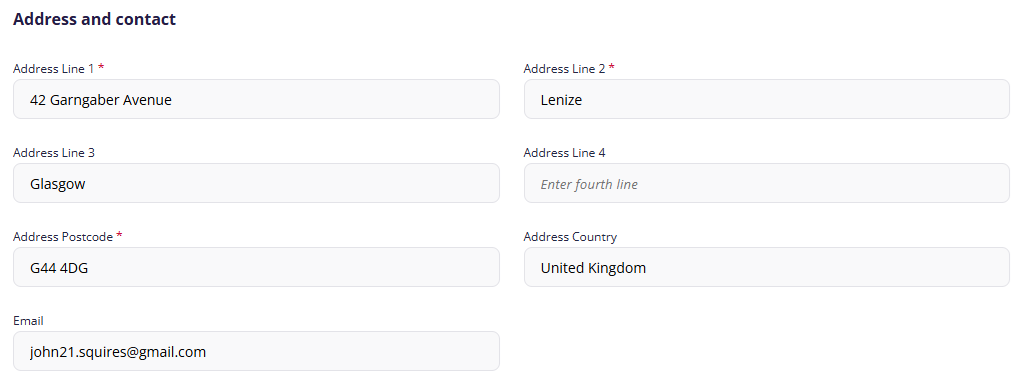
(click to expand contact details screen)
When entering the employee's contact details:
- Postcode: This field is only mandatory if you select the employee's country as United Kingdom.
- Email address: For information purposes only.
Previous article | Next article Employee: Payment details |
Was this article helpful?
That’s Great!
Thank you for your feedback
Sorry! We couldn't be helpful
Thank you for your feedback
Feedback sent
We appreciate your effort and will try to fix the article